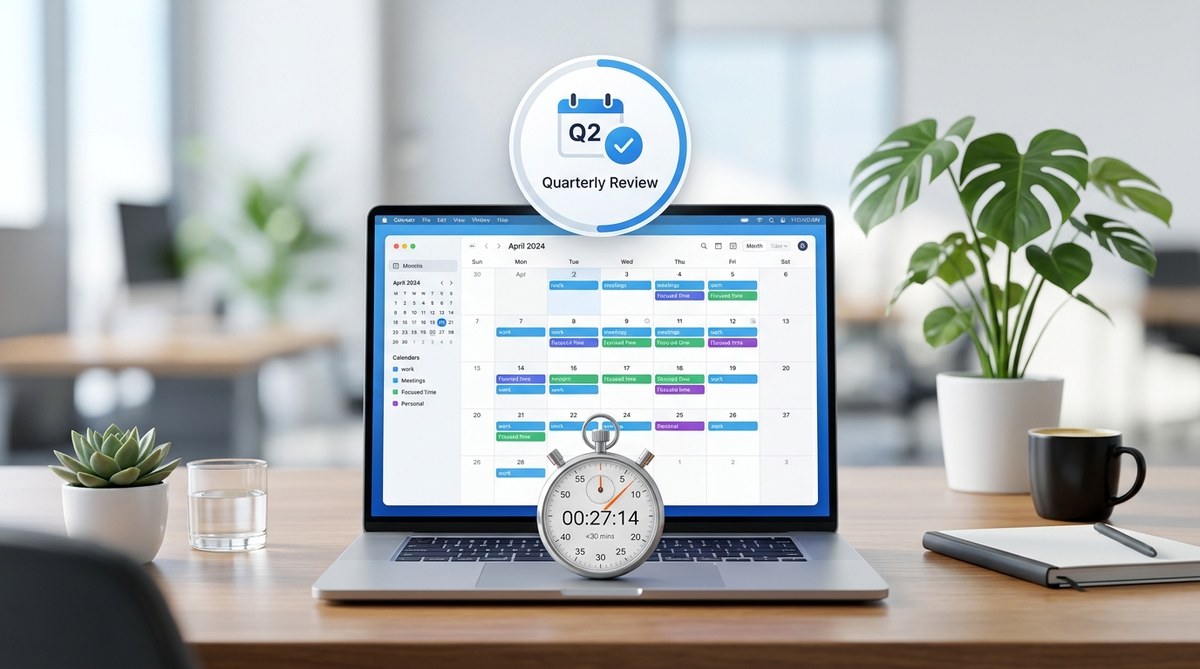
Your calendar started the year with good intentions. You blocked focus time, color coded projects, and promised yourself you would stick to the system. Then life happened. Meetings appeared out of nowhere. Recurring invites piled up. Notifications buzzed at the worst moments. Now your calendar looks like a Jackson Pollock painting, and you feel like a passenger in your own schedule.
A digital detox for calendar is not about deleting everything. It is a structured 30 minute process you repeat every quarter. You will audit your recurring meetings, remove expired events, batch notifications, and create intentional empty space. The result is a calendar that serves your priorities instead of controlling them. No complex software required.
Why Your Calendar Needs a Seasonal Reset
Think of your calendar like your closet. You clean your closet when seasons change. You donate clothes that do not fit. You organize what remains. Your digital calendar works the same way. Over three months, your schedule collects digital weight. Old one off meetings stay on the books. Recurring check ins that lost their purpose keep draining your time. Notifications you meant to turn off still buzz.
A digital detox for calendar removes this buildup. It restores your calendar to a tool that helps you, not a system that exhausts you. The best part? You can do the entire reset in half an hour.
The Real Cost of Calendar Clutter
Calendar clutter costs you more than wasted minutes. It steals your focus. Every time you look at a packed schedule, your brain calculates how to squeeze work into nonexistent gaps. That mental overhead adds up. According to a 2025 study from the American Psychological Association, constant calendar switching increases cognitive load by 40 percent. Your brain treats each event as a task, even the ones you ignore.
Here is what happens when you skip a digital detox for calendar:
- You accept meetings because slots exist, not because they matter.
- Recurring events from three quarters ago still claim your Tuesday afternoons.
- Notification settings from old projects still interrupt your flow.
- You lose visibility of your actual priorities because the calendar is too noisy.
The 30 Minute Quarterly Detox Process
This process works for any digital calendar. Google Calendar, Outlook, Apple Calendar, or a tool like Minetime AI. Set a timer for 30 minutes and move through these four steps.
Step 1: Audit Every Recurring Event
Open your calendar and look at your recurring events. Be honest about each one. Ask yourself three questions:
- Does this meeting still need me in the room?
- Could this be an email or a shared document?
- Did this meeting produce any value in the last 90 days?
Delete or decline anything that fails those questions. If you cannot delete it, change your attendance to optional or decline with a note. Most recurring meetings survive only because nobody questions them. You are questioning them now.
Step 2: Remove Expired One Off Events
Scroll through the past three months. Delete any one off events that are still sitting on your calendar. Old dentist appointments, past webinars, completed calls. These do nothing except add visual noise. Your digital detox for calendar should leave only active, forward looking events.
Step 3: Batch Your Notifications
Notification settings are sneaky. You set up reminders for a project six months ago, and they still fire every week. Go into your calendar settings and review notification rules. Turn off all default reminders that do not serve you. Set a standard 10 minute reminder for meetings you actually attend. For focus blocks, turn notifications off completely.
Step 4: Create Empty Space
The final step is the most important. Block at least two half day slots per week as “no meeting” zones. Label them as focus time, deep work, or buffer. Protect these slots like you would a client meeting. Empty space on a calendar is not wasted time. It is oxygen for your brain.
Common Mistakes People Make During a Digital Detox
| Mistake | Why It Hurts | Better Approach |
|---|---|---|
| Deleting everything | You lose important touchpoints | Audit before you delete |
| Only cleaning once | Clutter builds back up | Schedule a quarterly reset |
| Ignoring notifications | Distractions continue | Batch and customize alerts |
| Keeping useless recurring events | Wastes time every week | Cancel or delegate |
| Filling empty space immediately | No room for deep work | Leave intentional gaps |
What to Do When You Feel Guilty About Canceling
Many professionals feel guilty saying no to a recurring meeting. You might worry about disappointing your team or missing important updates. Here is the truth: your presence is not required for every conversation. If a meeting can function without you, it should. Send a note to the organizer. Say something like, “I am doing a digital detox for calendar and need to free up my schedule. Please keep me in the loop via email or shared notes.”
Most people will understand. Some will even thank you for giving them time back.
“The calendar is a mirror of your priorities. If it looks chaotic, your priorities are chaotic. Clean the mirror, and you clean your focus.” — Dr. Maura Quinlan, productivity researcher at Stanford University
How to Maintain Your Clean Calendar
A single digital detox for calendar is powerful. A habit of doing it quarterly is transformative. Here are three maintenance practices to keep your calendar clean between resets.
-
Review every new invite before accepting. Ask yourself if this meeting aligns with your current goals. If not, decline or suggest async communication.
-
Use the two minute rule for events. If a meeting request takes more than two minutes to evaluate, you are overthinking it. Decline or accept based on your current priorities, not future guilt.
-
End meetings five minutes early. This small habit prevents back to back burnout and gives you time to reset between conversations.
Tools That Make Your Digital Detox Easier
You do not need fancy software, but the right tools help. Minetime AI can automate parts of this process. It analyzes your calendar patterns, suggests meetings to decline, and helps you schedule focus time around your natural energy peaks. If you want to go deeper, check out our guide on top strategies to optimize your digital calendar for maximum efficiency.
For those who want to automate routine tasks beyond the calendar, read about how to boost your productivity by automating routine tasks with modern digital tools.
When to Do Your Next Reset
Mark your calendar right now. Pick a date for the next quarter. Write it down. If you are reading this in early 2026, your next reset should happen around April 1. Then July 1. Then October 1. The exact date matters less than the commitment to repeat the process.
Set a recurring reminder on your phone. Call it “Calendar Detox.” Give it a 30 minute duration. When the reminder fires, drop everything and run the four steps.
The One Thing That Changes Everything
Here is the most important insight from this entire article. A digital detox for calendar is not about having a perfect schedule. It is about having a schedule that belongs to you. Every time you clean your calendar, you remind yourself that your time is yours to direct. You stop reacting and start choosing.
That shift changes everything.
Your Calendar Is a Reflection of Your Boundaries
The state of your calendar shows how well you protect your time. A cluttered calendar means you let others decide how you spend your hours. A clean calendar means you set boundaries and stick to them. The quarterly digital detox is your chance to redraw those boundaries. You are not being rude. You are being intentional.
If you struggle with setting boundaries around meetings, read our article on how to use AI to eliminate meeting overload and reclaim your calendar in 2026.
Make It a Team Practice
If you manage a team, invite your colleagues to do the same reset. Share the process. Encourage everyone to audit their recurring meetings. You might discover that half your team meetings can become async updates. The time savings multiply across the organization.
A Final Walkthrough
Let me walk you through a real example. Sarah is a marketing director at a mid size tech company. She had 23 recurring meetings on her calendar. After her digital detox for calendar, she kept 9. She deleted 8 recurring events that no longer needed her. She changed 4 to optional attendance. She removed 2 entirely by asking the organizer to send a recap instead. She also found 14 old one off events from the previous quarter that were just taking up visual space.
Total time spent: 28 minutes.
Her feedback: “I felt lighter immediately. I had no idea how much mental weight those old meetings were carrying.”
Your Turn
Set your timer. Open your calendar. Start with the recurring events. Be ruthless. Delete without guilt. Create empty space. When the timer goes off, close your calendar and walk away.
You just completed a digital detox for calendar. Your brain will thank you tomorrow.