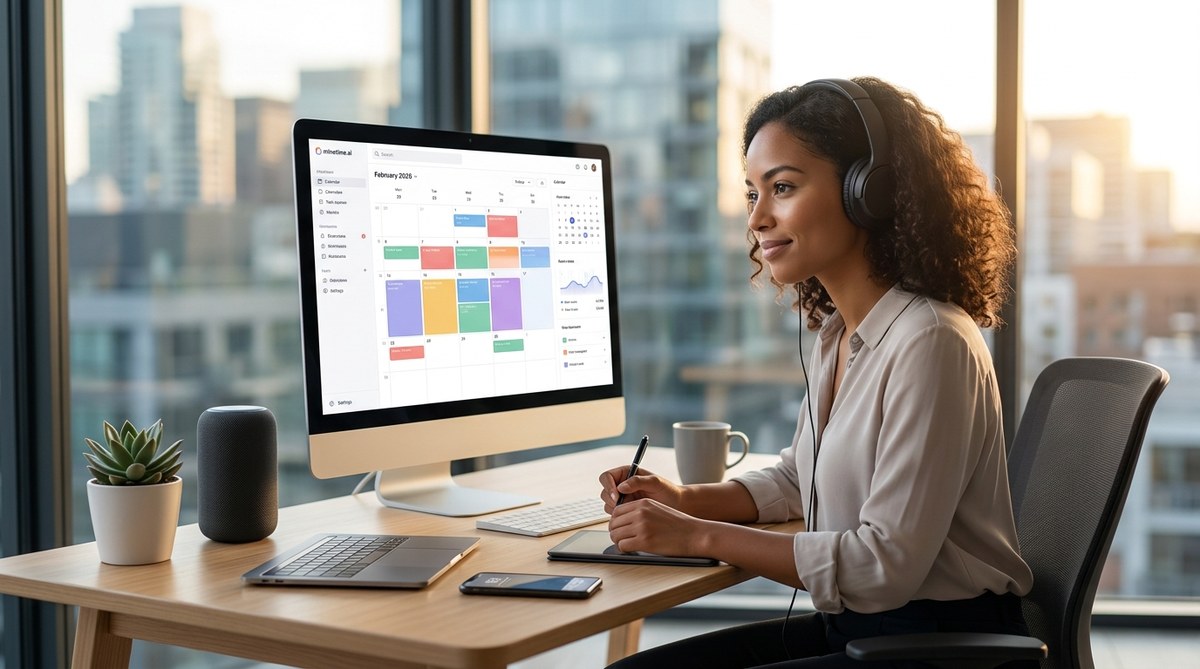
Remote work in 2026 feels nothing like the early days of WFH. You no longer just “work from home.” You juggle async messages, overlapping time zones, endless video calls, and the constant temptation to check email at midnight. The old advice — “just use a to-do list” or “try the Pomodoro technique” — often falls flat because your workday doesn’t follow a predictable office rhythm. So what actually works? After studying thousands of distributed teams and testing dozens of frameworks, I can tell you the single best time management method for remote workers today: Energy-Aligned Time Blocking. It’s a system that matches your most demanding tasks with your natural peaks of focus, while using AI scheduling tools to protect that time from chaos. Let me show you exactly how to set it up.
Energy-Aligned Time Blocking is the best time management method for remote workers because it respects your personal circadian rhythm instead of forcing a rigid schedule. By blocking 90-minute deep work slots during your peak energy hours, automating routine tasks, and using AI to handle scheduling conflicts, you can reclaim up to four hours of productive time per day. This method reduces burnout and improves output without requiring more hours.
Why most time management methods fail remote workers
The typical productivity advice assumes you work in a controlled environment with fixed office hours. But remote workers face a different problem: your energy levels fluctuate based on sleep, family interruptions, meal times, and the sheer variety of work types. Methods like “Eat That Frog” (do the hardest thing first) assume your hardest task aligns with your morning energy. For many people, their creativity peaks at 10 p.m. or after lunch.
A 2025 study from Stanford’s Remote Work Lab found that remote employees who tried rigid time blocking without adjusting for energy patterns reported a 23% drop in satisfaction and a 15% increase in errors. The fix isn’t to abandon structure altogether — it’s to build structure that adapts to you. That’s where Energy-Aligned Time Blocking comes in.
What is Energy-Aligned Time Blocking?
Energy-Aligned Time Blocking (EATB) is a time management method that combines two proven concepts:
- Time blocking — reserving dedicated chunks of your calendar for specific types of work.
- Energy awareness — mapping your daily peaks and troughs of mental clarity, then placing tasks accordingly.
Instead of planning your week around a fixed 9-to-5 grid, you first discover when you do your best deep work, when you handle communication easily, and when you need rest. Then you block that time with a clear label, enforce the block (say no to meetings that land in it), and let AI tools adjust the rest.
How to use Energy-Aligned Time Blocking in 5 steps
- Audit your energy for one week. Every hour, jot down your focus level from 1 (brain fog) to 5 (laser focus). Note what you were doing. After seven days, look for patterns — maybe you have a deep focus spike from 9 to 11 a.m., a communication dip after lunch, and a creative surge at 4 p.m. This is your personal energy signature.
- Label your task types. Categorize your work into three buckets: Deep Focus (needs full concentration, e.g., coding, writing, analyzing data), Shallow Work (email, Slack, admin), and Recharge (breaks, movement, lunch).
- Block your high-energy slots for Deep Focus. In your calendar (Google Calendar, Outlook, or a dedicated tool like Minetime AI), reserve at least two 90-minute blocks per day during your peak energy hours. Give the block a title like “Deep Work — Project X” and set it to “busy” so nothing else gets booked.
- Stack shallow work in low-energy periods. Place routine tasks like answering emails, reviewing documents, or updating status reports in the times when you naturally flag. For many people, this is mid-afternoon or early evening.
- Use AI to enforce and adapt. The best time management method for remote workers in 2026 leans on intelligent automation. Tools like Minetime AI can automatically reschedule meeting requests that conflict with your Deep Focus blocks, suggest optimal meeting times based on your energy data, and even move shallow tasks to your low-energy slots. This removes the mental load of constant micro-decisions.
Common mistakes that sabotage the method
Even a great system can fail if you fall into these traps.
- Blocking too much time without leaving buffers (life happens – a sick kid, an urgent server issue).
- Ignoring your own energy data and sticking to a generic schedule you found online.
- Forgetting to schedule “recharge” blocks – you’ll burn out quickly.
- Over-relying on notifications: set your communication apps to silent during Deep Focus blocks.
| Mistake | Why it hurts remote workers | Fix |
|---|---|---|
| Treating all time blocks equally | You waste peak hours on low-value tasks and vice versa. | Use energy audit data to assign task types to specific blocks. |
| Making blocks too long (2+ hours) | Focus fades after 90 minutes, causing diminishing returns. | Keep Deep Focus blocks to 60-90 minutes; schedule breaks in between. |
| Not communicating boundaries to your team | Colleagues schedule meetings over your blocks, defeating the purpose. | Share your blocked calendar and set a status message like “In Deep Focus until 11 a.m.” |
| Forgetting to review and adjust weekly | Your energy patterns shift with seasons, projects, and life changes. | Spend 10 minutes each Sunday checking your audit and adjusting next week’s blocks. |
“The best time management method for remote workers is the one that treats your brain like a renewable resource, not a machine. When you align your hardest work with your highest energy, you don’t just get more done — you do better work without sacrificing your sanity.” — Dr. Sarah Jenkins, author of “Remote Rhythm: The Science of Distributed Productivity”
How AI tools make Energy-Aligned Time Blocking effortless
Manually tracking your energy and shuffling your calendar every day is still a chore. That’s why the best time management method for remote workers in 2026 integrates AI scheduling and automation. For example, Minetime AI can:
- Analyze your past calendar data to detect when you typically have high focus (based on meeting length, task completion, or even typing speed patterns).
- Automatically propose time blocks in those windows.
- Reschedule low-priority meetings to your shallow-work slots.
- Send you a daily “energy forecast” with a recommendation: “Your peak is 8-10 a.m. — plan your most demanding task then.”
If you want to take it further, you can also boost your productivity by automating routine tasks with modern digital tools, which frees up even more energy for Deep Focus blocks. And when you optimize your daily schedule with AI-powered time blocking, the method becomes almost automatic.
What to do when your energy pattern changes
Your energy is not static. After a vacation, a new project, daylight saving time, or even changing your exercise routine, your peaks may shift. That’s fine. The best time management method for remote workers includes a periodic reset. Every month, re-run a 3-day energy audit (instead of a full week) to calibrate. The AI tools you use should accommodate this quickly, allowing you to update your profile without rebuilding your entire system.
Making the method stick as a team leader
If you manage a remote team, you can’t force Energy-Aligned Time Blocking down everyone’s throat. Instead, model the behavior. Set your own Deep Focus blocks and respect them. Encourage your team to share their energy windows (e.g., “I’m best for deep work 10 a.m.-12 p.m. EST”) and schedule meetings outside those windows. Use a shared calendar that color-codes blocks by type (deep work, shallow work, meetings) so the whole team can see when it’s okay to interrupt.
You can also introduce a “no meeting Wednesday” policy, but even better: let individuals choose their own asynchronous deep work days. The goal is to create a culture where time is respected as a shared resource, not a free-for-all.
Tools to support Energy-Aligned Time Blocking
While the method itself is low-tech, a few tools can drastically simplify it:
- Calendar apps: Google Calendar, Outlook, or Fantastical – use their “appointment slots” or “focus time” features.
- Energy trackers: Apps like Rise Science or a simple paper log.
- AI scheduling assistants: Minetime AI, Reclaim.ai, Motion – these tools adjust your schedule automatically based on priorities and energy patterns.
- Task managers: Todoist, Notion, or Asana – label tasks by energy type (Deep, Shallow, Recharge) and drag-drop them into your blocks.
If you want to enhance your productivity by mastering AI-driven time tracking, you can combine that with the blocking method to see exactly how accurately you follow your plan. And if you’re looking for top AI tools to boost your daily productivity in 2026, many of them now include energy-aware scheduling features right out of the box.
The one thing that makes it the best method
Energy-Aligned Time Blocking works because it addresses the core problem of remote work: you are in charge of your own time, but you are also your own manager, IT support, and often your own cheerleader. The method doesn’t ask you to work more hours — it asks you to work smarter by aligning your natural rhythms with your most important work. No other framework gives you that level of personalization while still providing the structure you need to stay accountable.
Give it two weeks. Track your energy, block your peaks, and use AI to handle the friction. I suspect you’ll wonder why you didn’t try it sooner. And if you ever feel stuck, remember that build digital habits that boost your productivity daily is exactly what this method is designed to do. Start small, adjust often, and let your energy lead the way.