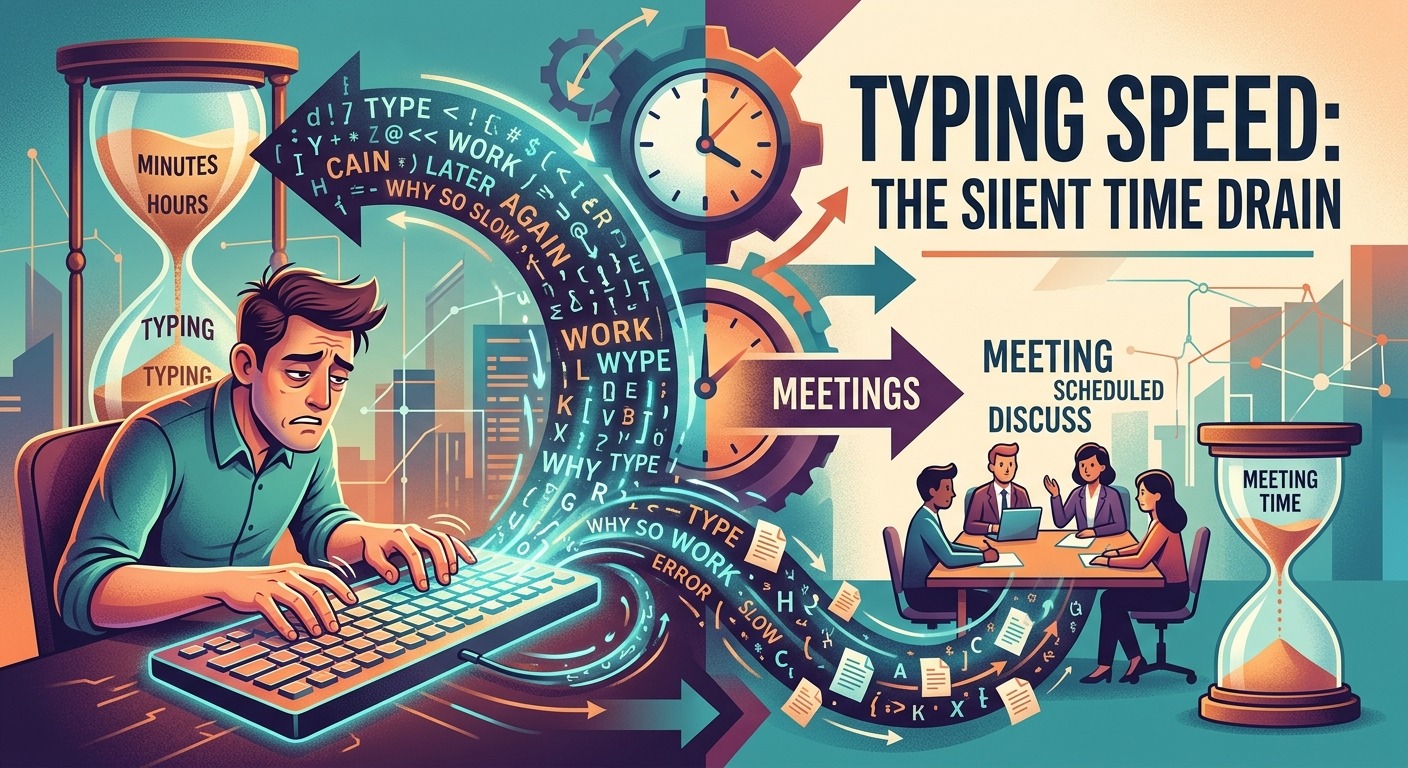
You blocked your calendar. You declined the Tuesday all-hands. You batch your emails into two focused windows each day. And yet, by Thursday afternoon, you are still behind. The calendar optimization playbook has been followed to the letter, and the week still feels like it slipped through your fingers. That gap between effort and output is often hiding in plain sight. It lives in the thirty seconds it takes to compose a two-sentence reply. It hides in the minute you spend backspacing through a half-formed Slack message. It compounds quietly in every document you draft a little slower than your thinking.
The Bottleneck Brief
- Typing speed, not meeting count, is often the invisible drain on knowledge worker output each week.
- The gap between an average and a fast typist compounds into more than 100 hours of lost time annually.
- Pairing AI scheduling tools with input-speed improvements creates far greater productivity gains than calendar fixes alone.
The Calendar Myth That Keeps Knowledge Workers Stuck
Calendar optimization became a productivity religion over the last decade. Time-blocking, no-meeting Fridays, and async-first communication policies all have genuine merit. The productivity conversation became so fixated on the calendar, however, that it started overlooking something more fundamental: the physical act of producing written output.
Think about what a typical knowledge worker actually does all day. Professionals spend a staggering portion of their week on written communication , not the big strategic kind, but the constant, low-grade kind. Slack threads. Project management comments. Document drafts. Status updates nobody reads. A massive portion of the workday is spent typing, not strategizing, not analyzing. Just typing.
If that typing is slow, everything downstream slows with it. Meeting schedules have nothing to do with it.
What the Numbers Actually Tell You About Your Workday
The average office worker types at around 40 words per minute. A proficient typist reaches 65 to 75 WPM. A genuinely fast typist clears 90 or more. At first glance, the difference between 40 and 70 WPM does not sound dramatic. The compounding math, though, is brutal once you run it across a full work week.
The Weekly Time Cost at Different Typing Speeds
| Speed Category | Words Per Minute | Hours to Write 10,000 Words | Weekly Hours Lost vs. Fast Typist |
|---|---|---|---|
| Slow | 30 WPM | 5.6 hours | +3.6 hours |
| Average | 41 WPM | 4.1 hours | +2.1 hours |
| Proficient | 65 WPM | 2.6 hours | +0.6 hours |
| Fast | 90 WPM | 1.9 hours | Baseline |
A knowledge worker writing roughly 10,000 words a week, which is a conservative estimate for someone juggling a full inbox, active Slack channels, and regular documents, loses more than two hours per week compared to a fast typist. Over a year, that is more than 100 hours. That is three full work weeks quietly consumed by the speed at which fingers move across keys.
Professionals spend nearly 28 percent of their working week on email alone, according to research on workplace communication. That single data point makes typing speed a first-order productivity variable, not a secondary concern sitting behind scheduling optimization.
How Fast Are You Actually Typing Right Now?
Most people have a rough sense of their WPM from a test they took years ago. That number is usually wrong, either because their speed has shifted or because the test conditions differed from the real writing they do at work. Before adjusting anything else about your workflow, it is worth getting a genuine baseline today. Taking a 5-minute typing test gives you a far more reliable read than a 60-second sprint, because it captures your actual sustainable speed rather than your peak burst performance.
Most people are surprised by the result. They expected to be faster. That surprise is productive. It turns an abstract inefficiency into a concrete number, and concrete numbers are far easier to act on than vague feelings of being slow.
The Compounding Cost of a Few Slow Words Per Minute
Typing speed does not just affect the time you spend on long documents. It affects every tiny written interaction throughout the day, and that is where the real drain happens.
A 20-word Slack reply takes 30 seconds at 40 WPM. At 70 WPM, it takes about 17 seconds. That is 13 seconds saved. Trivial in isolation, yes. A busy professional might send 60 or 70 short messages a day, though. Those 13-second savings add up to 15 minutes daily. Five days a week becomes 75 minutes. Across a year, it is more than 60 hours quietly reclaimed, just from typing replies a bit faster.
That number does not include email drafts. It does not include meeting notes, performance reviews, project summaries, or the report you rewrote three times because your brain moved faster than your fingers and you lost the thread halfway through the second paragraph.
Calendar blockers cannot fix that. A no-meeting Thursday cannot fix that. Only the input speed itself changes the equation.
Why Meetings Got All the Blame
Meetings are visible. They appear on the calendar with names attached, and they consume an obvious chunk of time. When you walk out of a 90-minute status call that could have been a three-paragraph written update, you feel the loss immediately. The frustration is real and the instinct to fix it is correct.
The slow drain of text input is invisible. It hides inside the work itself. Nobody looks at a half-typed email and thinks, “This is a productivity failure.” It just feels like working. The calendar gets the scrutiny and the keyboard goes unexamined for years at a stretch.
Here is the counterintuitive part: the meetings that frustrate you most are often already being addressed by AI tools and cultural shifts toward async-first habits. The gap left behind, once those calendar wins are in place, is frequently filled right back up by slow written output. The problem did not disappear. It just moved to a place that does not show up on any dashboard.
Three Approaches That Actually Move the Needle
Input speed is a solvable problem, and several approaches stack well together because each targets a different part of the bottleneck.
Dictation software has become remarkably accurate. Tools like Apple Dictation, Google’s speech input, or Whisper-based applications let professionals speak naturally and produce clean text at speeds that far exceed even the fastest typists. Speaking at 130 words per minute is completely normal for a relaxed conversational pace. That is more than three times the average typing speed. For longer pieces, dictation is not just an accessibility feature; it is a genuine output accelerator that most knowledge workers have sitting unused on their devices right now.
Text expansion handles the opposite end of the problem: repetitive phrases. Every professional types the same sentences hundreds of times each year. Standard email closings. Status update templates. Meeting request scripts. A text expander compresses a 40-word phrase into a 4-character shortcut and fires it instantly. The time saved per instance is small, but the reduction in cognitive friction across a full day is significant. Your brain stops treating writing as a mechanical burden and focuses entirely on the content instead of the act of producing it.
Deliberate typing practice is the least glamorous option and often the most underrated. Spending 10 to 15 minutes a day on structured exercises for four to six weeks can permanently raise your baseline WPM. Research in skill acquisition consistently shows that focused, deliberate repetition outperforms longer but less intentional practice. A modest daily investment in drill can close a 25 WPM gap faster than most people expect, and unlike most productivity habits, the gain is permanent once it sticks.
Where AI Scheduling and Input Speed Work Together
AI scheduling tools and input-speed improvements are not competing strategies. They work best as a pair, and understanding why makes each one more valuable than it would be in isolation.
AI scheduling clears the calendar. It creates protected blocks of time where deep work can actually happen. If you spend that recovered focus time typing slowly, though, the calendar win partially evaporates. You get the time back and then bleed it out, character by character, until the protected block is gone and you have less to show for it than you hoped.
When you pair AI-managed calendar hygiene with faster input habits, the effect compounds. The hours recovered from unnecessary meetings are filled with high-velocity output instead of slow, friction-heavy writing. You produce more in less time across two dimensions at once, and the gains build on each other rather than existing in separate silos.
The async-first habits that accompany smart scheduling also reward faster typists disproportionately. Async communication places more weight on written messages. When you can write a clear, thorough update in 90 seconds instead of four minutes, your whole async workflow becomes more effective. You are far less tempted to fall back on an impromptu call just because writing feels like a chore. You contribute more to written threads without dreading the effort of composing them, and that changes how your whole team perceives your responsiveness.
The Clock You Never Thought to Check
The fastest path to reclaiming your week is not the one dominating productivity podcasts and conference talks. It is not the scheduling system. It is not the perfectly designed time blocks or the color-coded calendar. It is the unglamorous truth that how fast your fingers move across a keyboard shapes more of your day than almost any other single variable most professionals never stop to measure.
You can protect four hours of deep work on your calendar and still spend those hours fighting your own typing speed. Or you can combine a well-managed calendar with genuinely fast input habits, and the two forces amplify each other in ways that a calendar fix alone simply cannot produce.
Check your actual speed today. Spend a couple of weeks on deliberate practice. Add a text expander for your five most-typed phrases. Let an AI tool handle the scheduling conflicts you no longer have time to juggle manually. None of these changes requires a major overhaul of how you work. Each one alone gives you back a handful of minutes. All of them together give you back something that feels more like actual control over your time.
The meetings were never the whole story.