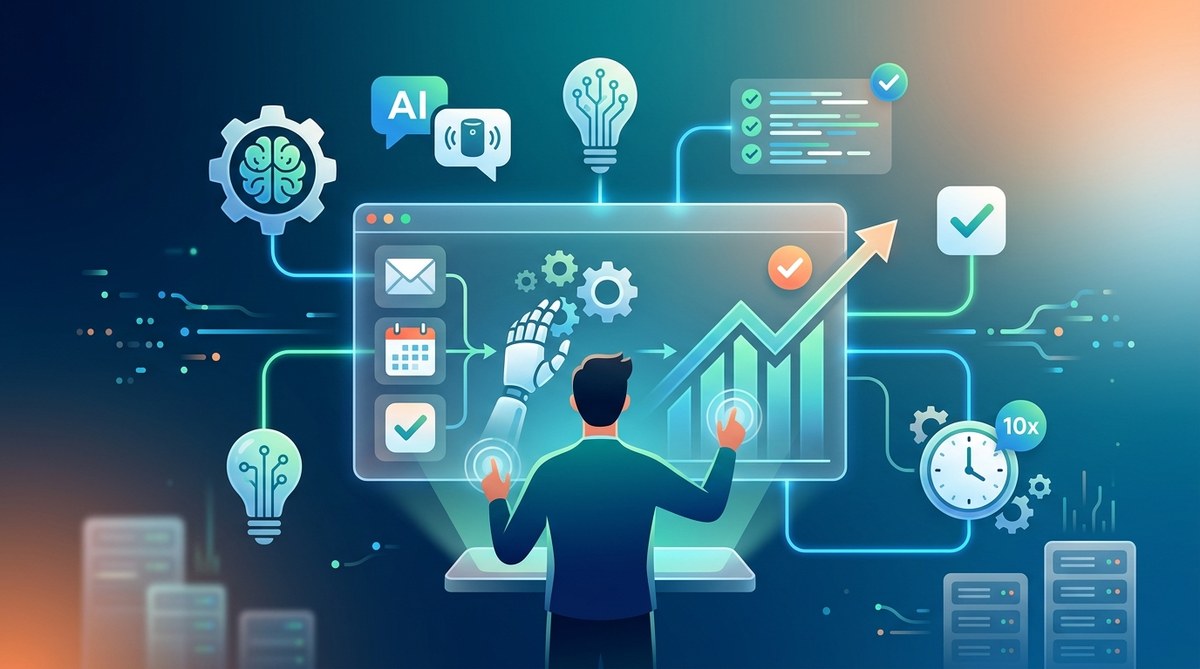
Feeling overwhelmed by daily tasks that seem to pile up faster than you can handle? You’re not alone. The good news is that AI tools for work automation are reshaping how professionals approach their busy schedules. These intelligent solutions can handle repetitive chores, organize your work, and free up your time for what truly matters. It’s like having a reliable assistant that never sleeps. If you want to work smarter, understanding how to harness AI for automation can be a game-changer.
AI tools for work automation can significantly boost productivity by streamlining repetitive tasks, organizing workflows, and freeing your time for high-value activities. Integrating these solutions into your daily routine leads to more efficient and less stressful workdays.
Why AI tools for work automation are transforming productivity
In today’s fast-paced work environments, manual and repetitive tasks can eat up hours each week. From scheduling meetings to data entry, these chores drain your energy and distract from strategic thinking. AI tools for work automation step in to handle these chores efficiently. They can analyze data, draft emails, set reminders, and even generate reports. Using AI in your workflow means spending less time on mundane activities and more on creative, impactful work.
The rise of AI-powered automation isn’t just about saving time. It’s about making smarter decisions faster, reducing errors, and creating a more organized work process. Professionals who adopt these tools often report feeling less overwhelmed and more in control of their day. Whether you’re managing a team or working solo, AI can adapt to your needs.
Practical ways to implement AI for work automation
Here are some effective steps to start integrating AI into your daily work routine:
-
Identify repetitive tasks
List chores that take up a lot of your time but require little creative input. Examples include scheduling, data entry, email sorting, and basic report generation. -
Choose the right AI tools
Research solutions that fit your needs. For scheduling, consider tools like x.ai. For writing and communication, Grammarly and QuillBot are popular. For workflow automation, Zapier or Make can connect different apps seamlessly. -
Start small and automate gradually
Begin with one or two tasks. For example, set up an AI-powered email responder or automate social media posting. As you see results, expand to other areas. -
Monitor and optimize
Keep track of how AI tools impact your productivity. Adjust workflows and explore new solutions regularly. Over time, automation becomes more intuitive and tailored to your work style. -
Invest in learning
Stay updated on emerging AI tools and features. Many platforms offer tutorials and community support. This ongoing learning helps you maximize your automation potential.
Popular AI tools for work automation and how they help
Here’s a quick look at some AI-powered solutions that can transform your workflow:
- Scheduling and meetings: Tools like Clara and x.ai automatically handle meeting arrangements, freeing up your calendar.
- Email management: Use Superhuman or SaneBox to prioritize, sort, and respond faster.
- Content creation: Jasper and Copy.ai help generate drafts, outlines, or social media content in seconds.
- Data analysis: Platforms like Tableau and Power BI leverage AI to visualize and interpret complex data.
- Workflow automation: Zapier connects your favorite apps, automating multi-step processes without coding.
Integrating these tools into your daily work can streamline routine activities, reduce errors, and make your day more manageable.
Common pitfalls to avoid when automating with AI
While AI tools are powerful, missteps can diminish their effectiveness. Here’s a quick table to clarify common mistakes:
| Techniques | Mistakes |
|---|---|
| Relying solely on AI without oversight | Overtrust can lead to errors or missed nuances |
| Automating all tasks at once | Overwhelms your workflow, causes confusion |
| Choosing complex tools without training | Leads to underuse or frustration |
| Ignoring security and privacy considerations | Risks data leaks or compliance issues |
Expert tip: Always review AI-generated outputs, especially when used for customer communication or decision-making. Combining AI efficiency with human oversight ensures accuracy and trust.
How AI-driven automation transforms your workday
By adopting AI tools, you can:
- Cut down on time spent on routine tasks
- Free mental space for strategic thinking
- Reduce stress caused by disorganized workflows
- Improve accuracy across repetitive processes
- Accelerate project timelines and decision-making
Imagine a typical day where emails are sorted automatically, meetings are scheduled without back-and-forth, and reports are generated in moments. These aren’t distant futures but achievable realities with the right AI tools.
Unlock your full potential with smart automation
Implementing AI for work automation isn’t about replacing human effort. It’s about amplifying your capabilities. As you integrate smarter workflows, you’ll find more time for creative pursuits, professional growth, or simply enjoying a better work-life balance.
Take the time to assess your routine, select suitable AI solutions, and gradually embed them into your daily tasks. Before long, you’ll notice your productivity soaring and your stress levels dropping.
Find your rhythm in the AI-powered work landscape
The secret to thriving in today’s work environment is embracing automation thoughtfully. Start small, stay curious, and continuously refine your approach. AI tools are here to support your journey toward a more efficient, less hectic work life.
Remember, the goal isn’t to do more in less time but to do what truly matters with less distraction. With the right AI companions, your workday can become more organized, productive, and even enjoyable.
Ready to take your productivity to the next level? Begin by identifying one repetitive task you do every day and explore an AI tool that can help automate it. Small steps lead to big changes over time. Your smarter, more efficient workday awaits.